If you run a Minecraft server for friends, a small community or a public network, a VPS is the point where it stops being a hobby on someone else's limits. You get root access, your own IP address, any version and any plugin, and you pay for a server instead of a slot. The price is that you have to pick the right size yourself.
This guide tells you what to pick. It covers RAM, the processor, disk and location, gives you a size for 5, 20 and 50 players, and ends with a setup you can finish in about ten minutes.
The short answer
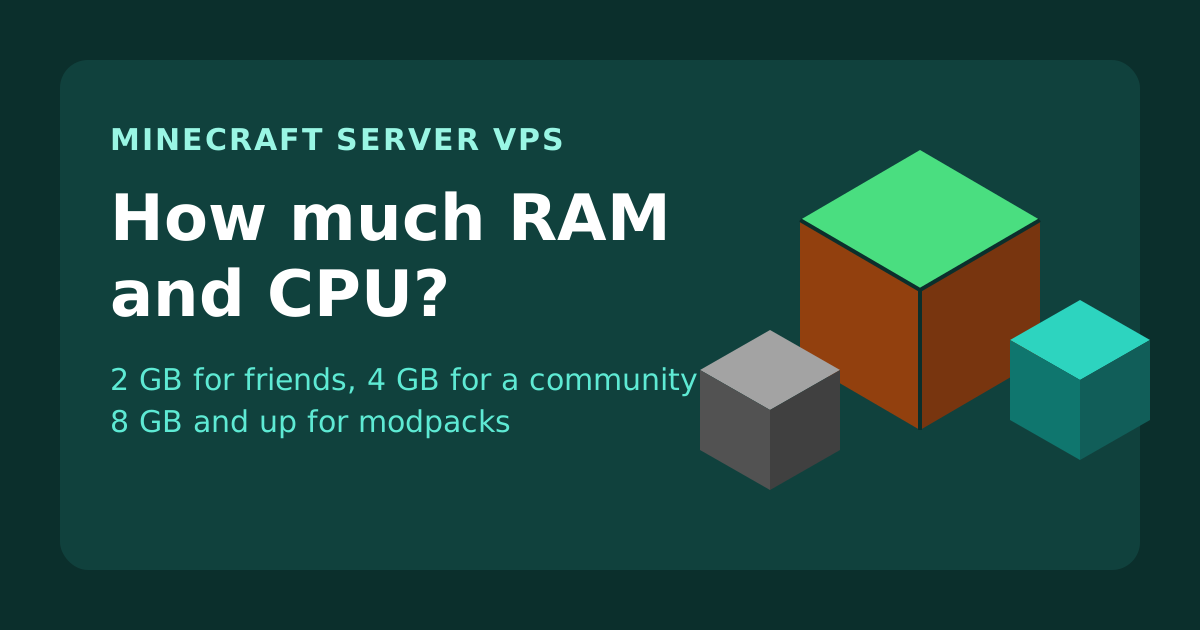
- Up to about 5 players, vanilla or Paper: 2 GB RAM. VPS 1C-2G, from $19.99/mo.
- 10 to 20 players with a handful of plugins: 4 GB RAM and 2 cores. VPS 2C-4G, from $34.99/mo.
- A modpack, or 30 players and more: 8 to 16 GB RAM and 4 cores. VPS 4C-8G or 4C-16G.
- A busy public server: take the same sizes on Exclusive CPU, so the game loop never waits for a neighbour.
How much RAM does a Minecraft server need?
RAM is the number people argue about, and it is the one that causes most of the trouble. The server needs memory for the game itself, for every loaded chunk, for each player, and for every plugin or mod you add. Treat the figures below as a starting point. They assume the Java Edition server, a current version, and a normal amount of exploring.
| What you run | Players | RAM to plan for |
|---|
| Vanilla or Paper, a few friends | 1 to 5 | 2 GB |
| Paper with plugins (permissions, homes, anti-grief) | 10 to 20 | 4 GB |
| Paper with many plugins, minigames or a large map | 20 to 40 | 6 to 8 GB |
| A small modpack on Forge or Fabric | 2 to 10 | 6 to 8 GB |
| A large modpack | 5 to 15 | 10 to 16 GB |
Two things move these numbers more than the player count does. The first is view distance: every player keeps a square of chunks loaded around them, and doubling the distance roughly quadruples the chunks. Lowering it from 12 to 8 saves a lot of memory and most players never notice. The second is mods. A modpack can need several times the memory of the same world without mods, because every new block, entity and machine has to be held in memory.
Do not give the whole VPS to the Java process. Leave around 1 GB for Linux and anything else on the machine. On a 4 GB server, a limit of about 3 GB for Minecraft is a sensible ceiling.
The processor matters more than people think
The main loop of a Minecraft server runs on a single thread. That thread handles redstone, mob movement, block updates and every plugin that runs on the tick. When it cannot finish a tick in 50 milliseconds, the whole server lags, no matter how much RAM is free. So the speed of one core counts for more than the number of cores.
Extra cores still help. They take chunk generation, saving the world, network traffic and background tasks off the main thread. Two cores is a good minimum for anything that has more than a few players, and four is comfortable for a modpack.
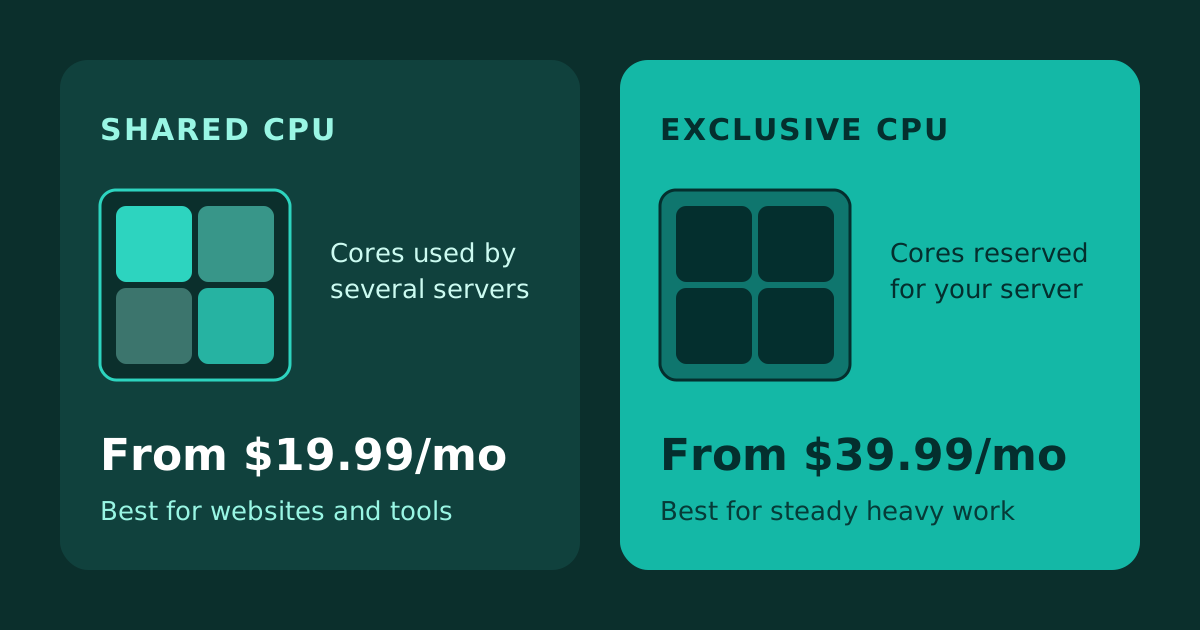
This is where the choice between Shared CPU and Exclusive CPU shows up. On a shared plan the cores are also used by other servers on the machine. That is fine for a small private server, where the load is light and the occasional slow second goes unnoticed. On a public server with 30 people online, a stalled tick is something every player feels. In that case the Exclusive CPU plans, which reserve the cores for you, are worth the extra money. We explain the difference in detail in Shared CPU vs Exclusive CPU VPS.
Disk, bandwidth and DDoS
Disk. A new world is small, but it grows as people explore. A survival world that has been played for a year is commonly a few gigabytes. Fast storage matters more than a lot of it: loading chunks, saving and pre-generating a map are all disk work, and NVMe makes them noticeably quicker than an ordinary SSD. A 50 GB disk is enough for most servers, with room for backups.
Bandwidth. A Minecraft server uses far less than people expect. Each connected player needs a modest stream, so a transfer allowance of 1 TB a month is plenty for a community of dozens. You will use more if you send a large resource pack from the server itself, so host the pack on a separate address if you have one.
DDoS protection. Public Minecraft servers get attacked, sometimes by a bored player after a ban. Always-on filtering at the network edge stops the common floods before they reach your server. Our VPS plans include it. It does not replace good habits, such as keeping the admin ports closed and using a whitelist on a private server.
Pick a location close to your players
Minecraft is sensitive to latency in a way a website is not. Under about 50 ms feels normal. Past 100 ms players start to notice delay when they break blocks or fight. Put the server in the country where most of your players live. If your players are spread across continents, choose the middle: a server in Europe serves the UK, Germany and the Middle East well, and one on the US east coast serves most of North America. We have servers in more than forty locations, and you can move the server later if your community shifts.
Set up a Minecraft server on a Linux VPS in ten minutes
These steps use Ubuntu 24.04 and the Paper server, which is faster than the stock server and supports plugins. Choose Ubuntu as the operating system when you order the VPS, then connect with SSH.
- Update the server and install Java. Current Minecraft versions (1.20.5 and newer) need Java 21:
sudo apt update && sudo apt upgrade -y
sudo apt install -y openjdk-21-jre-headless screen
- Make a folder and download Paper. Get the download link for your version from papermc.io:
mkdir ~/minecraft && cd ~/minecraft
wget -O paper.jar "PASTE-THE-PAPER-DOWNLOAD-LINK-HERE"
- Run it once, then accept the EULA. The first start stops by itself and creates a file called
eula.txt. Open it, change eula=false to eula=true and save.
java -Xms1G -Xmx1G -jar paper.jar --nogui
nano eula.txt
- Start it for real, inside screen, so it keeps running when you close the SSH window. On a 4 GB VPS, use about 3 GB:
screen -S minecraft
java -Xms3G -Xmx3G -jar paper.jar --nogui
Detach with Ctrl+A then D. Come back later with screen -r minecraft.
- Open the port. Java Edition listens on TCP 25565:
sudo ufw allow OpenSSH
sudo ufw allow 25565/tcp
sudo ufw enable
- Connect. In Minecraft, add a server with your VPS IP address. If you want a name like
play.yourdomain.com, point a domain to the VPS first.
Setting the same value for -Xms and -Xmx makes Java take its memory once instead of resizing while the game runs, which avoids small stutters. Once it works, turn on the whitelist for a private server by setting white-list=true in server.properties and adding players with whitelist add name in the console.
Back up before you need it
Worlds get corrupted, plugins break maps, and players grief. Copy the world folder somewhere else on a schedule. A simple daily job that zips the world and keeps the last seven copies costs almost nothing. Save the backups off the server too, for example to your own computer or to object storage, because a backup on the same disk does not survive a failed disk.
Which plan should you buy?
| Your server | Plan | From |
|---|
| A few friends, vanilla or Paper | VPS 1C-2G, Shared CPU | $19.99/mo |
| A community of 10 to 20 with plugins | VPS 2C-4G, Shared CPU | $34.99/mo |
| A small modpack, or 20 to 40 players | VPS 2C-8G or 4C-8G, Shared CPU | $49.99/mo |
| A large modpack or a busy network | VPS 4C-16G, Shared CPU | $89.99/mo |
| A public server where lag costs players | The same sizes on Exclusive CPU | $39.99/mo |
Prices differ a little by location, so check the card for your city. If you are not sure, start one size smaller than you think you need. You can move to a larger plan later, and you will have a real picture of how much memory your server actually uses by then.
Ready to build? Open the VPS hosting page, choose a location near your players and pick the size from the table above. The server is ready in about a minute.

 Germany
 Netherlands
 United Kingdom
 France
 Poland
 Spain
 Sweden
 Bulgaria
 Greece
 Romania
 Turkey
 Pakistan
 India
 Singapore
 United Arab Emirates
 Saudi Arabia
 Japan
 South Korea
 China
 Indonesia
 Malaysia
 Thailand
 Vietnam
 Philippines
 Bangladesh
 Nepal
 Israel
 Qatar
 Kuwait
 Bahrain
 Oman
 Iraq
 Cambodia
 United States
 Canada
 Mexico
 Argentina
 Brazil
 Chile
 Colombia
 Peru
 Ecuador
 South Africa
 Egypt
 Australia